If you already know the password for your TPG account, you can change it at any time in My Account.
Forgotten your password? Please see How to reset a forgotten password instead.
-
Log in to My Account and hit About Me.
Never used My Account before? Check out An Introduction to My Account. -
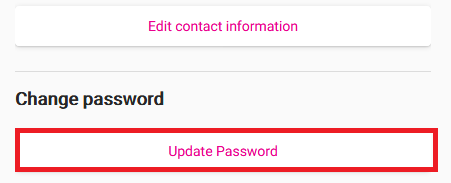
Under "Change password", hit Update password.
-
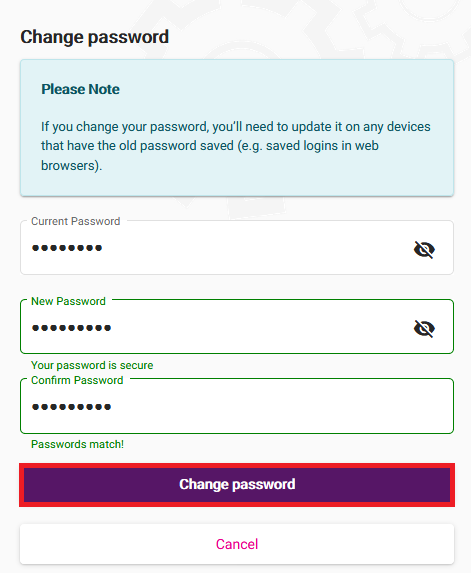
Fill out the form with your Current Password and New Password, then enter your new password again in Confirm Password.
Passwords must be 8-15 characters long, have both a lower case and uppercase letter and contain at least one number (0-9).
You can also use any of the following characters: ` ~ ! @ # $ % ^ & * ( ) _ + - = { [ } ] \ | ; , . / : < > ?
Passwords can't be based on your username or contain any spaces. -
Hit Change password to finish, and you're good to go.