Rescheduling your nbn connection online
If you can't make your nbn appointment, you can reschedule for a later date online.
-
Go to https://www.tpg.com.au/install and enter your TPG Username to check your current appointment.
You'll find your username on emails from us about your nbn order.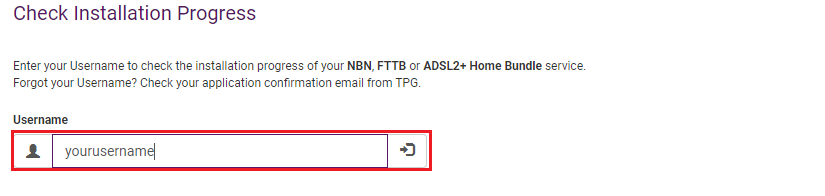
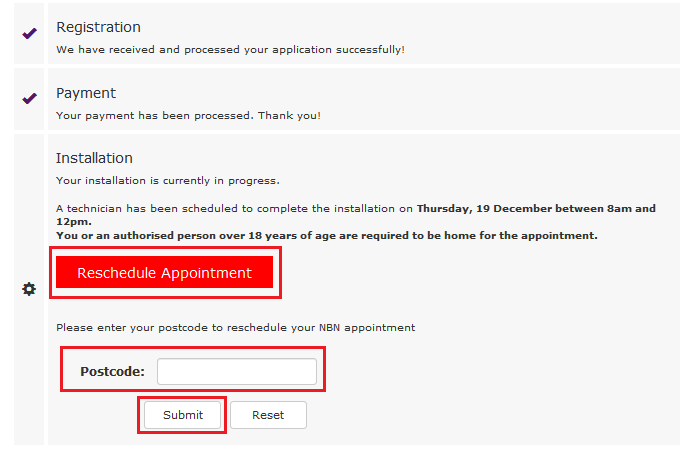
- Hit Reschedule Appointment, then enter the Postcode of your billing address and hit Submit.
-
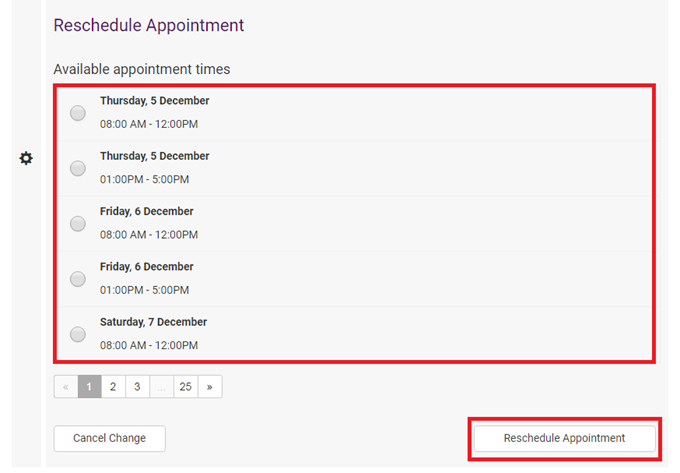
Choose your new appointment time and hit Reschedule Appointment.
We'll also send you an SMS and email with your new appointment time.