Checking your order status in My Account
You can check the status of your TPG order in My Account.
-
Log in to My Account.
Never used My Account before? Check out An Introduction to My Account. -
If you have a TPG order in progress, you'll see the Installation Tracker on the dashboard.
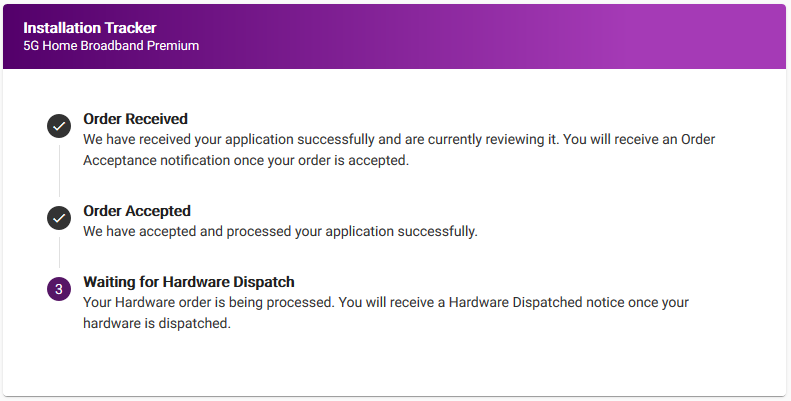
-
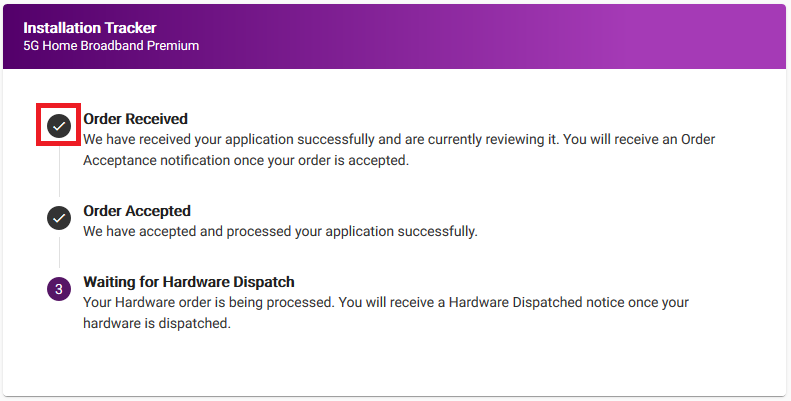
The Installation Tracker will show a tick beside completed steps of your order.
-
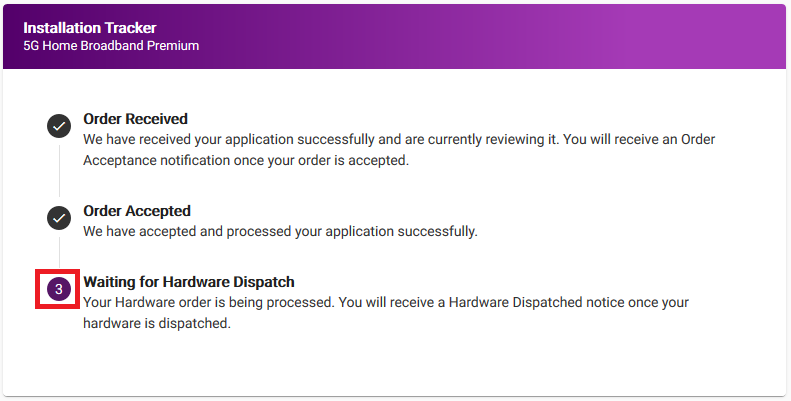
The current step of your order is indicated with a purple number icon.
-
For internet orders, more steps will appear as they become active. In the example above, "Waiting for Hardware Dispatch" will appear after hardware is dispatched.
Note: Mobile orders will show all steps for your order, with future steps greyed out.